
9 Products


About Used Woodworking CNC Routers & Machining Centers
Browse used woodworking CNC routers and machining centers for sale for cabinet, architectural millwork and furniture production facilities. Compare each machine's work area, workholding, tooling, condition and available specifications to match your production requirements. Selected new equipment may also appear; check each listing’s stated condition.
Current in-stock examples include a 4 × 8 CNC router and a 5 × 10 CNC router. Compare the actual working area, table size, spindle configuration, drilling equipment, tool changer, vacuum system, controller and software compatibility on each listing. Inventory changes frequently; confirm availability and exact specifications with iBiD before purchase.
When choosing a CNC, consider how flat-table and nesting CNC routers for woodworking, pod-and-rail machines and vertical CNC machining centers fit your production. Check the machine's operating history, available running video, electrical requirements, dust extraction needs and loading arrangements. Freight is quoted separately.
Need a different model or table size? Tell us which CNC machine you need. Have one to sell? Submit your CNC machine details or request a preliminary valuation.
Browse all current machinery inventory or read our machinery buying guides. For pricing and availability, call 678-925-3556.
Planning a CNC purchase? Use our used CNC router buying guide to prepare your inspection questions.
CNC routers for cabinetmaking and architectural millwork
For cabinet parts cut from sheet goods, compare a nesting CNC router's usable table area, vacuum hold-down, drilling equipment and automatic tool changing. For doors, rails, solid-wood parts and work requiring access to panel edges, evaluate how a machining center's workholding and spindle configuration fit the job. Machine categories overlap; confirm capabilities on the exact listing.
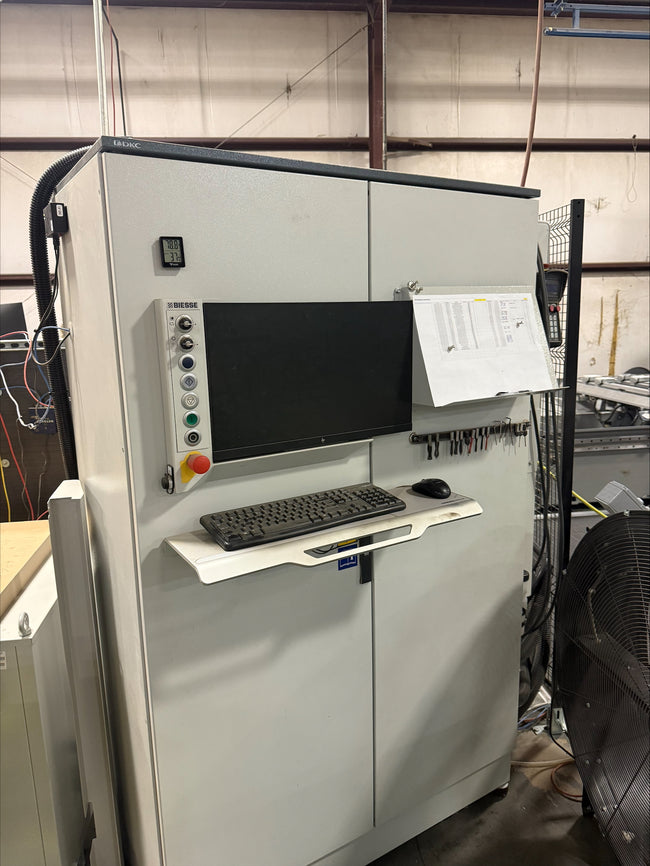
Before buying, check that your design and machining software can communicate with the controller, and clarify software licensing, file transfer and postprocessor requirements. Ask about tooling, vacuum pumps, service records and an available demonstration using representative parts. Include dust extraction, electrical supply and operator access in your installation plan.
Complete your production workflow with used edgebanders, drill and dowel machines, woodworking sanders and moulders for solid-wood components.
Compare CNC configurations in the listings
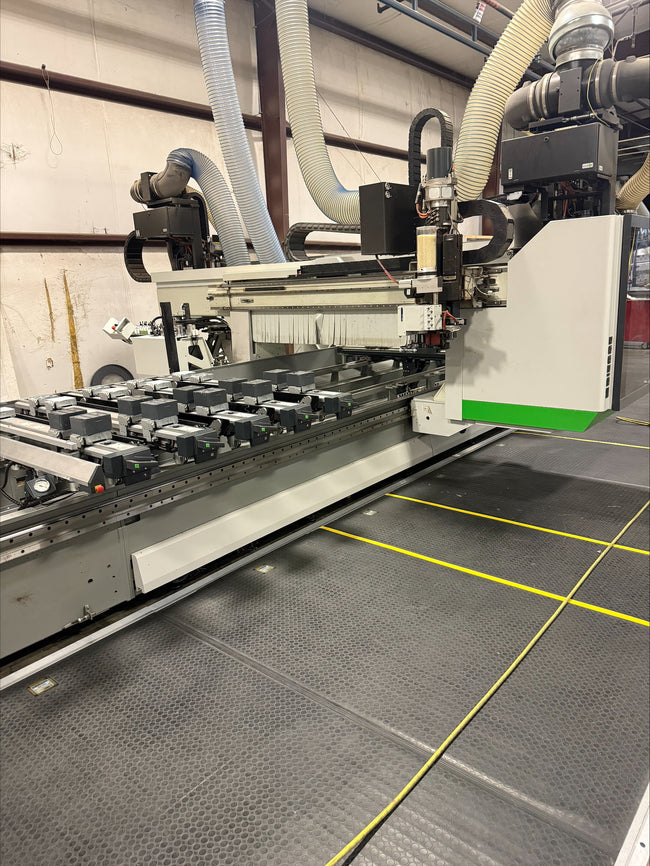
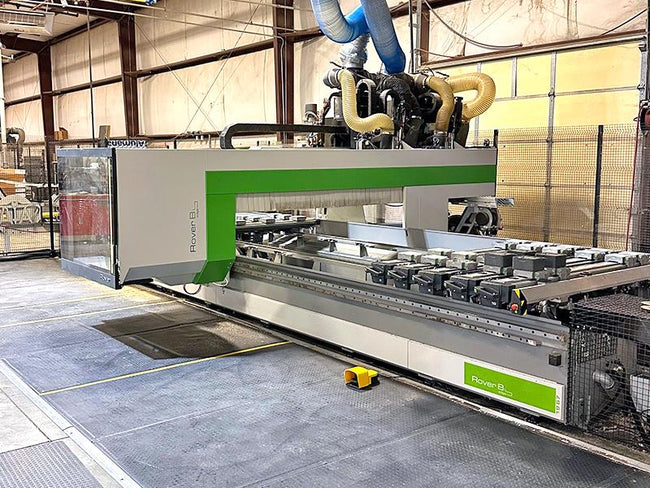
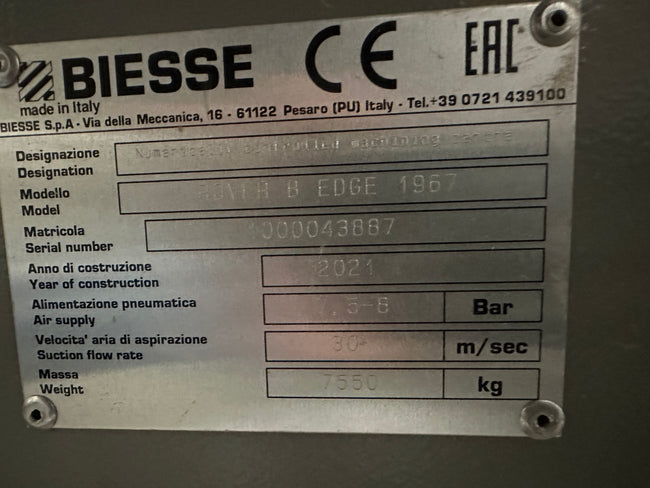
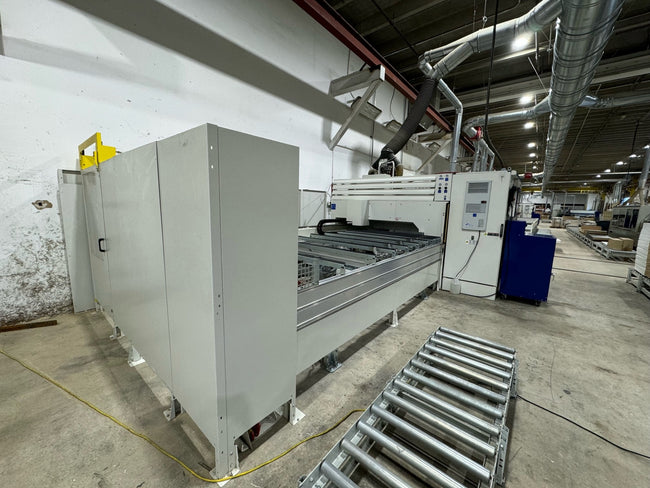
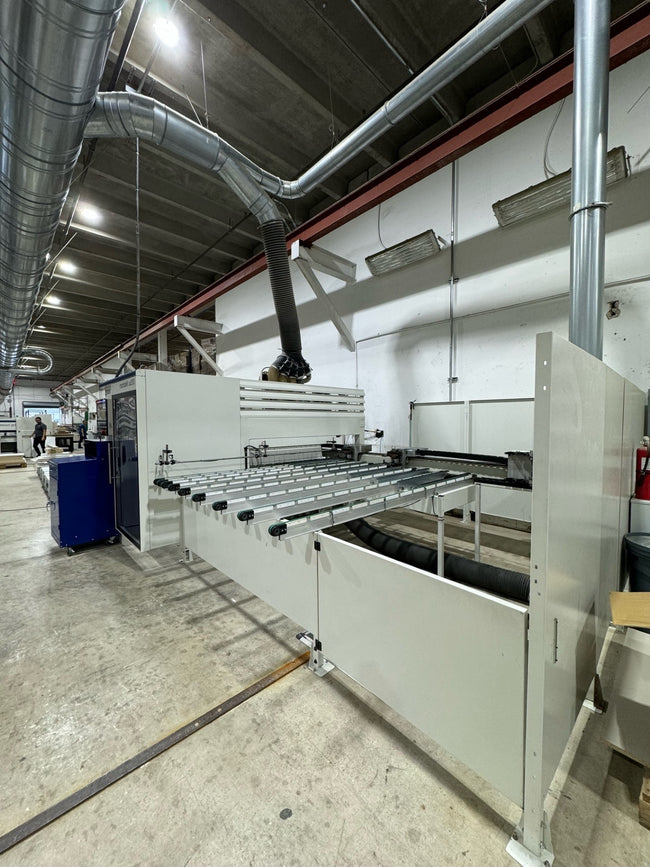
For a table-size comparison, review the Boss 4 × 8 CNC router and Komo 5 × 10 CNC router. Compare Biesse machinery listings for the Rover configurations currently offered. For a different workholding layout, see the HOLZ-HER Evolution 7405 vertical CNC. Check each listing’s current availability and the actual machining envelope, tooling and software supplied.
Should I choose a nesting router or a drilling center?
Start with the operations that must happen in one setup. A nesting router can suit cutting cabinet parts from sheets, while a drilling center may fit a workflow built around pre-cut panels. Check face and edge access, workholding, tool changes and part handling on the exact machine. Machine names and table sizes alone do not establish the operations included.
What files should I bring to a CNC demonstration?
Bring a representative drawing, your smallest part and a typical production sheet or component. Ask how the controller receives the program and whether your software needs a compatible postprocessor. Confirm transferable licenses, backups and included vacuum equipment before comparing the total installed cost.
Plan the rest of your production line
Explore cabinet-shop machinery by production step or architectural millwork equipment for profiles, machining and finishing. Use these guides to match this purchase with the machines before and after it in your workflow.